Player tools
MW4 Hajin Map: 13 POIs & Personal Markers
Explore the official map, filter threat levels, share a POI and keep personal image markers.
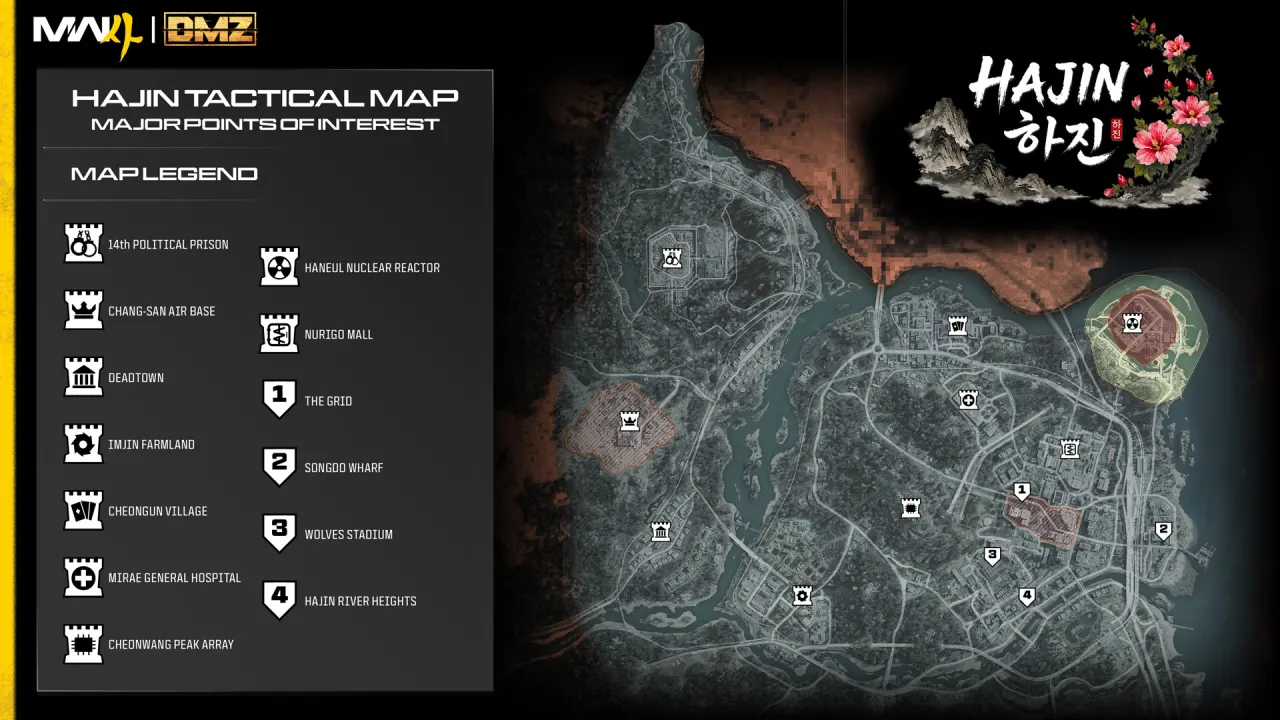
Explore Hajin
POI buttons follow symbols in the official overview image. They are image annotations, not measured game coordinates. Personal markers are yours.
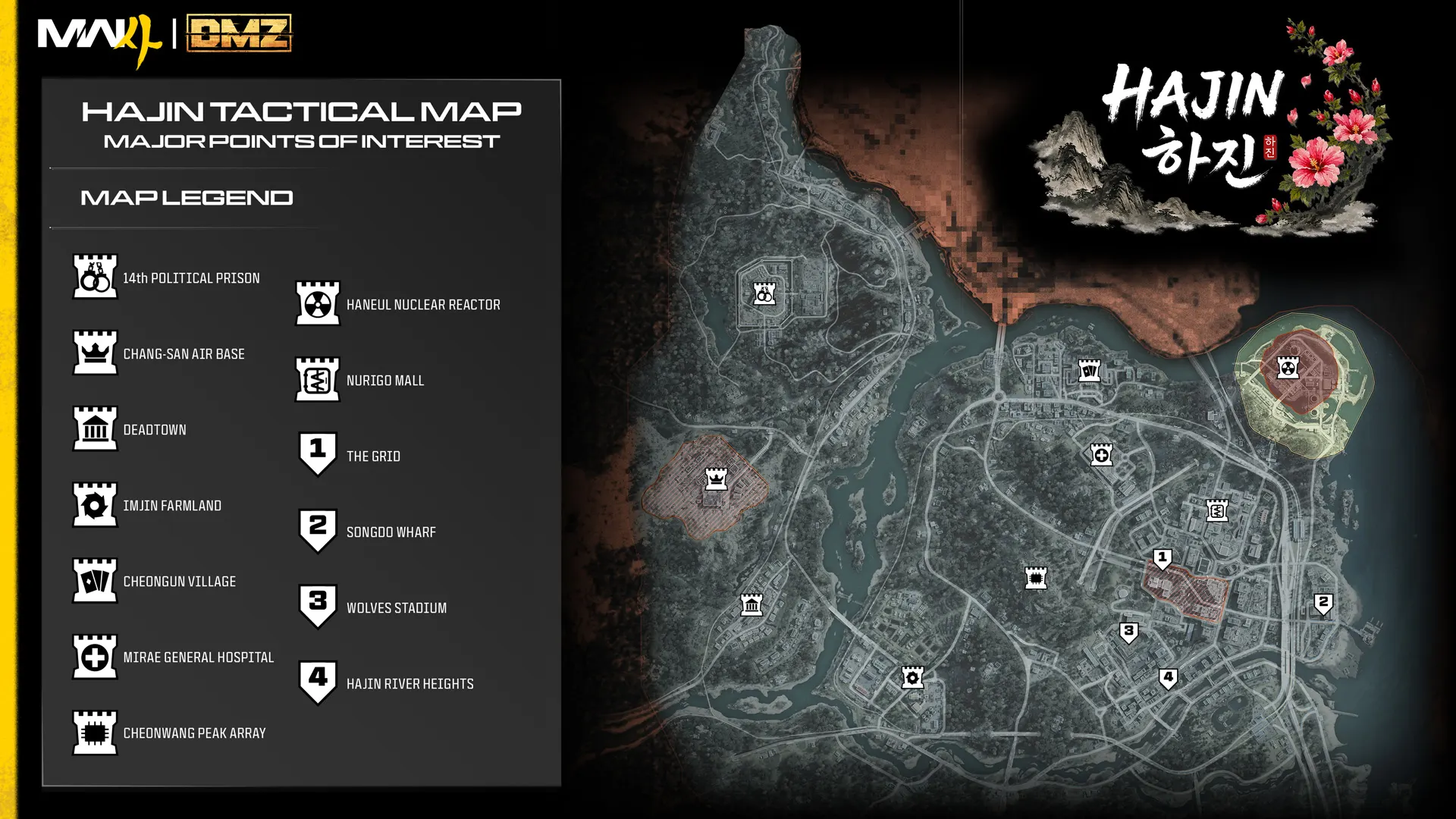
Map controls
Select a named POI or a numbered symbol, adjust zoom and scroll the map. The threat filter uses the official expected-threat labels. Share a selected POI using its link. To add a personal marker, enter a label, enable placement, then click your chosen image position. Markers remain in this browser across languages and can be removed individually.
Map accuracy and scope
The background is the official Hajin overview. The 13 numbered pins annotate its published POI symbols; their pixel positions are image annotations, not surveyed game coordinates. Personal markers are your own notes. This map does not claim exact key, loot, boss or extraction spawns, and expected threat does not predict live player positions.
Sources & version
Reviewed October 22, 2026. Official Hajin map