Steam field guide
MW4 on Steam: Buy, Download, Editions & PC Requirements
Find the official MW4 Steam page, compare editions and dated US, Japan and Korea prices, then install the right content and check PC requirements.
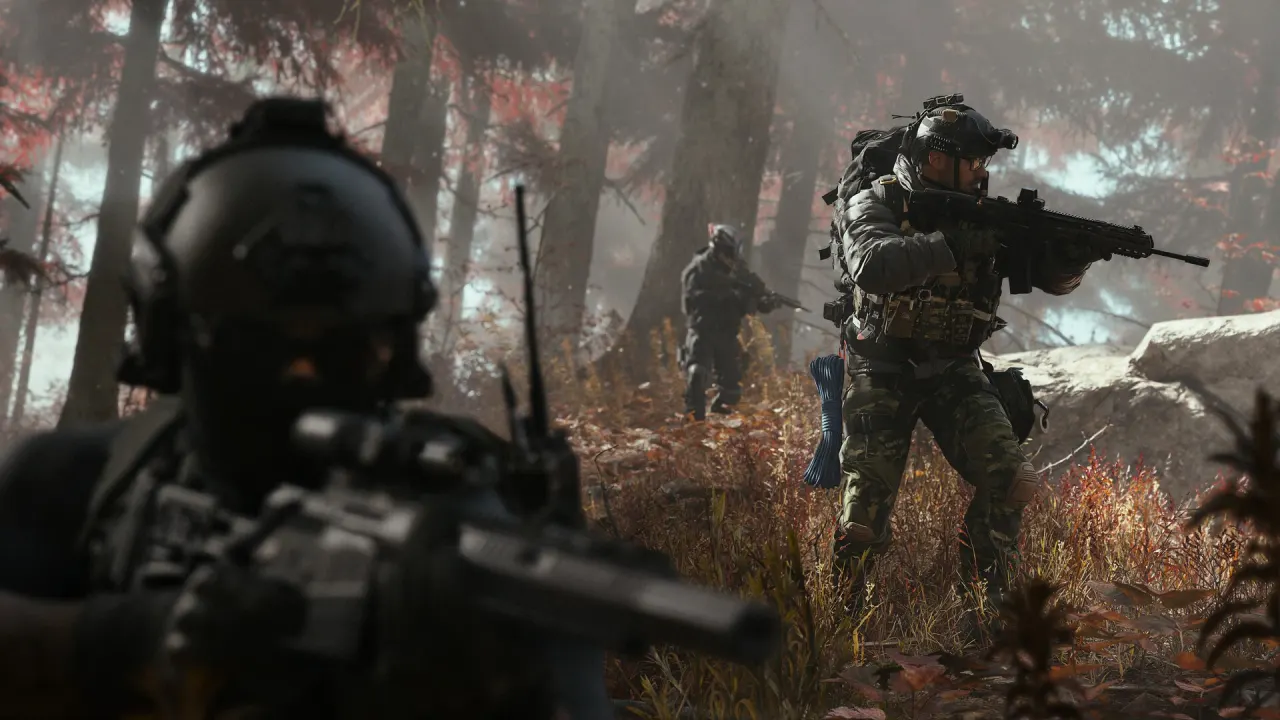
Modern Warfare 4 is available on Steam. Use the official MW4 Steam store page and confirm that the publisher is Activision. The store product is App 4435490; installing and managing its content can lead you to the Call of Duty library entry. Already own it? Go to the Steam download and installation guide.
Which edition should you buy?
Wide tables can be scrolled sideways.
| Store item | Base MW4 game included? | Who it is for |
|---|---|---|
| Standard game | Yes | Campaign, Multiplayer and DMZ access on the purchased platform |
| Vault Edition | Yes | Base game plus the listed operator, weapon, BlackCell and DMZ bonuses |
| Vault Edition Upgrade | No: requires the eligible Digital Standard Edition | Existing base-game owners adding Vault extras |
An upgrade is not a cheaper standalone copy. Confirm the owning Steam account and the exact package before checkout. Do not assume a purchase through another PC storefront also gives you a Steam license. BlackCell delivery follows the edition's seasonal terms; it is not an immediate unlock of every future season. Edition details
Steam price check by store country
These are October 23, 2026 snapshots, not live quotes or currency conversions. Each figure was checked against that country's Steam catalog.
Wide tables can be scrolled sideways.
| Steam store country | Standard | Vault Edition | Vault upgrade |
|---|---|---|---|
| United States · USD | $69.99 | $99.99 | $30.00 |
| Japan · JPY | ¥9,800 | ¥13,200 | ¥3,400 |
| South Korea · KRW | ₩80,000 | ₩121,900 | ₩41,900 |
Your account's store country and checkout determine availability and the final price. Selecting this site's language does not change your Steam region. Check the signed-in storefront for current offers, taxes and any package restrictions; these figures do not establish that a key from another region will activate on your account.
Download the game you own
Activision's installation instructions direct Steam players to Library → Call of Duty → Install. If the base application is already installed, inspect the content owned by your account instead of buying another copy. Our installation guide covers the Library entry, DLC management and download queue. Official installation instructions
PC requirements and security
The launch specification lists 115GB of available SSD space, with more room potentially needed for updates. That is a storage requirement, not a promise of a 115GB network download. TPM 2.0 and Secure Boot are also required. Read the minimum, recommended and ray-tracing requirements before purchasing; language and platform support should be checked on your own store page.
Bought it, but it will not start?
A missing install option, an unchecked content pack, a stalled download and a process that closes after pressing Play need different checks. Start with installation; if the files are installed and the process crashes, follow MW4 not launching or crashing. Keep the exact error and affected mode so you do not apply an Xbox-specific workaround to Steam.
Launch and preload questions
The publisher's global launch date is October 23, 2026; the checked Steam listing can show October 22. Read the date and availability shown by your own storefront rather than deriving one worldwide unlock time. The earlier preload window is historical: this page now focuses on buying and installing the released game. Campaign and DMZ early access were separate from the Multiplayer beta; see the dated access reference.
Sources and price-check date
Checked October 23, 2026: Steam store, Steam US catalog, Japan catalog, Korea catalog, Activision editions, installation and official PC launch information. Cover: a MW4 gameplay screenshot supplied by Activision in the Steam gallery. No purchase or account details are collected by this guide.