Steam installation guide
MW4 Steam Download & Install: Find the Game and Check DLC
Install MW4 through the Call of Duty Steam library entry, inspect owned DLC and download progress, and distinguish a missing pack from a startup crash.
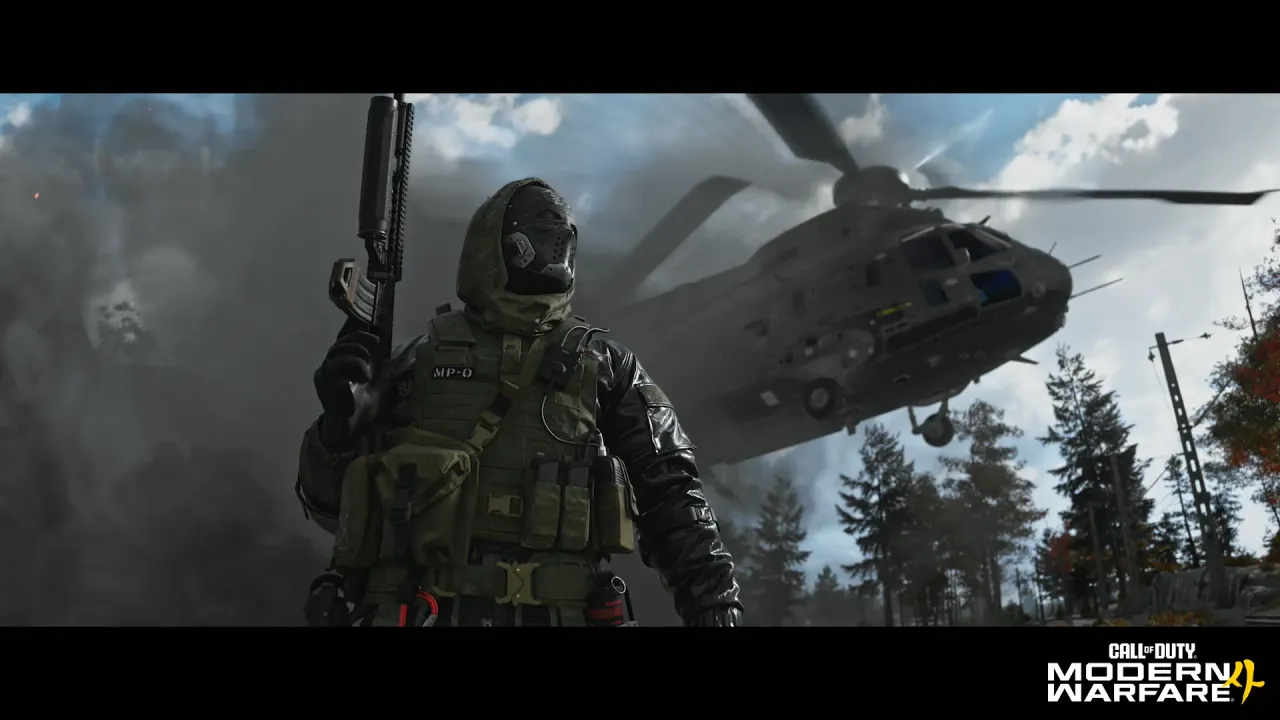
Install MW4 from the Call of Duty entry in your Steam Library. Activision's official steps use that shared entry, even though MW4 has its own store page. Check the purchasing account before downloading. Need to choose a package first? See the Steam purchase and editions guide.
Find the correct Library entry
- Sign in to the Steam account used for the purchase.
- Open Library and look for Call of Duty, the name used in Activision's installation guide.
- Select Install if the shared application is not installed, choose an SSD with sufficient free space and let Steam complete the installation.
- If the application is already installed, use the owned-content checks below rather than starting another purchase.
Do not use a Multiplayer beta listing as proof that the retail game is owned. Check your store purchase record and the actual Steam product if the Library does not show the entitlement. Activision's Steam steps
Check owned DLC and mode content
In the Library, right-click Call of Duty, choose Properties, then open DLC. Steam also offers a DLC-management section on the game's Library page. Inspect the items registered to your account and their installation status. If MW4 mode packs are listed, check that the content for the mode you want is selected and downloaded. A DLC list confirms owned content, not that every optional pack must be installed.
Steam's DLC help documents that control. Package names and available entries can change; this guide does not prescribe a universal list of checkboxes. The illustration above is official MW4 PC preload artwork, not a screenshot of a Steam menu.
Watch download and storage status
Open Steam's Downloads view to distinguish queued, paused, downloading and disk-processing work. Wait for the required download and installation work to finish before diagnosing a launch failure. The published 115GB SSD figure is available storage at launch, not a fixed transfer size or a guarantee that updates need no additional room. See the full requirements and storage explanation.
For a failed installation or stuck update, restart Steam and the computer first. Steam's installation support also documents download-cache and library-folder repair options. Use those targeted steps for an installation error rather than repeatedly deleting the entire game or its saves.
Missing Install, missing DLC or still locked?
Wide tables can be scrolled sideways.
| Symptom | First check | Next destination |
|---|---|---|
| No purchase entitlement | Correct Steam account, purchase record and base game versus upgrade | Steam purchase guide |
| Shared app installed but a mode is unavailable | Owned DLC, selected mode content and completed downloads | Library → Properties → DLC |
| Download has not finished | Queue, pause state, disk processing and available SSD space | Steam Downloads |
| Play changes back to Play after starting | Installed files and exact error | Steam startup checks |
A published Xbox PC Content Pack 1 workaround is platform-specific. Do not assume that Xbox Store package names are the missing Steam DLC. Account unlinking is not a first troubleshooting step.
Verify installed files
After the intended content is installed, right-click the Library entry → Properties → Installed Files → Verify integrity of game files. Let Steam finish before retrying. Steam notes that some local configuration files can fail verification normally; an isolated verification message is not by itself proof that the game is broken. Official file verification
Is the preload window still relevant?
The PC announcement listed October 15, 2026 at 9 AM PT for preloading. That is a historical start time, not a current download lock. The game has reached its launch period; use the install flow above and the availability shown by your store. Do not apply August beta download instructions to the retail version. Official PC announcement
If the game closes after installation, use crash checks. A running game that hitches belongs in performance checks. The known-issues list identifies the separate Xbox PC missing-button issue; it does not establish a Steam Content Pack 1 fix.
Sources and scope
Checked October 23, 2026: Activision installation, Steam DLC management, Steam installation support, file verification and MW4 PC preload announcement. These are documented support steps, not a claimed hands-on install test of every PC. Cover image: Call of Duty / Activision's PC preloading announcement.