DMZ starter walkthrough
MW4 DMZ First Orders: Gear Up, Crackshot & First Op
Finish the first DMZ Orders page: equip four gear categories, hit three FOB range targets and deploy into Dynamic Ops. Then open the chapter-selection briefing.
Where this page begins
This walkthrough starts after Breaking New Ground, when you recruit an Operator and enter FOB Zulu. It covers the three named Orders on the initial page, not every objective of the opening mission. AllThingsHow's October 21 walkthrough reports the onboarding ending as scripted; reaching recruitment is not a failed free-roam extraction.
Read the current Orders page before acting. Names below keep the English labels so you can identify them across localized interfaces. The current mission HUD takes priority if a later update changes its wording.
Gear Up: equip all four categories
Open the Stash/Loadout station and equip a weapon, backpack, armor vest and medkit from the stash. Inspect the active loadout to make sure each required category is equipped; simply owning an item in storage is different from wearing or carrying it.
Return to Orders and check Gear Up's completion before moving on. The task is preparation at the FOB, not a requirement to buy a premium blueprint or hunt for four rare items in the field. If a slot is empty, fix that slot rather than replacing the whole loadout.
Crackshot: use the FOB firing range
Bring the equipped ranged weapon to the FOB Firing Range, between the Gunsmith and Vendor stations in the official guide. Knock down three range targets, then check the Crackshot counter. These are training targets, not three player kills or a camo challenge.
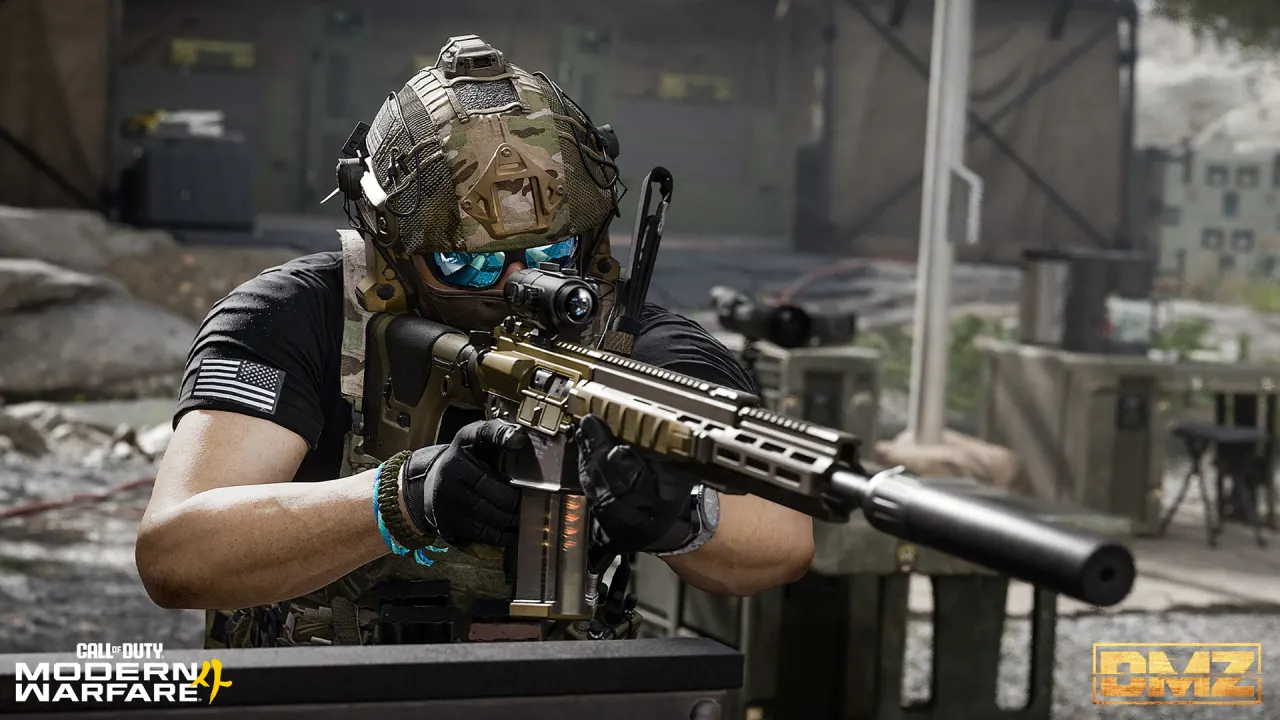
The cover is Activision's firing-range illustration, not a coordinate map or a measured aim test. The camo mounted-kill requirements are separate. Do not expect target practice to satisfy a challenge that specifically requires players.
First Op: select Dynamic Operations
- Go to the FOB deployment area.
- Select Hajin → Dynamic Operations. The published starting walkthrough uses Ground infiltration.
- Check the ready-up screen and the mode before deploying. If you want to go alone, follow Squad Fill off; solo does not create a PvE-only session.
- Deploy, follow the active objectives and prepare your extraction. On return, recheck the Orders page and unlock notices.
The named Order asks for deployment in Dynamic Ops; choosing Free Roam or a Story Mission is not the same selection. Do not add an invented kill total or a speed limit. Use the displayed objective if your current build adds a condition.
Open the next chapter briefing
After the first deployment, the cited guide shows Story missions are unlocked and Printer Recipe Unlocked notices. Accept the Incoming Transmission at the FOB to open chapter selection. Read chapter rewards before choosing; the choice sets the next Orders, not a permanent lockout from all other chapters.
Wide tables can be scrolled sideways.
| What you want next | Chapter to inspect | Scope |
|---|---|---|
| Medical supplies / UAVs | Human Intel | Check the chapter's current rewards |
| Night Vision Goggles recipe | Underground | Recipe access still needs the relevant tasks |
| Recon Drone recipe | Counterfeit | A chapter reward is separate from a random loot drop |
AllThingsHow documents those launch chapter roles. Later page numbers depend on your chosen sequence: a guide's “page 4” is not enough to identify your current task. Use the chapter name, 1/2 or 2/2 indicator and exact Order name together. Continue with the Missions and Orders hub.
If an objective does not progress
Check the active page, equipped gear or selected mode first; take a screenshot of the exact counter before repeating an expensive deployment. Clear Overflow Stash before the next deployment, as clarified October 25. For later tasks, October 24 specifically fixed Philanthropist on Page 19; that is not a blanket fix for this initial page. Patch notes and known issues distinguish the entries.
Sources and verification date
Checked October 26, 2026: first-page and chapter procedure, onboarding boundary, official FOB stations and firing range, October 24–25 updates. Menu procedure comes from published guides, not an independent playthrough by this site. No fixed loot route or unverified reward quantity is added.